
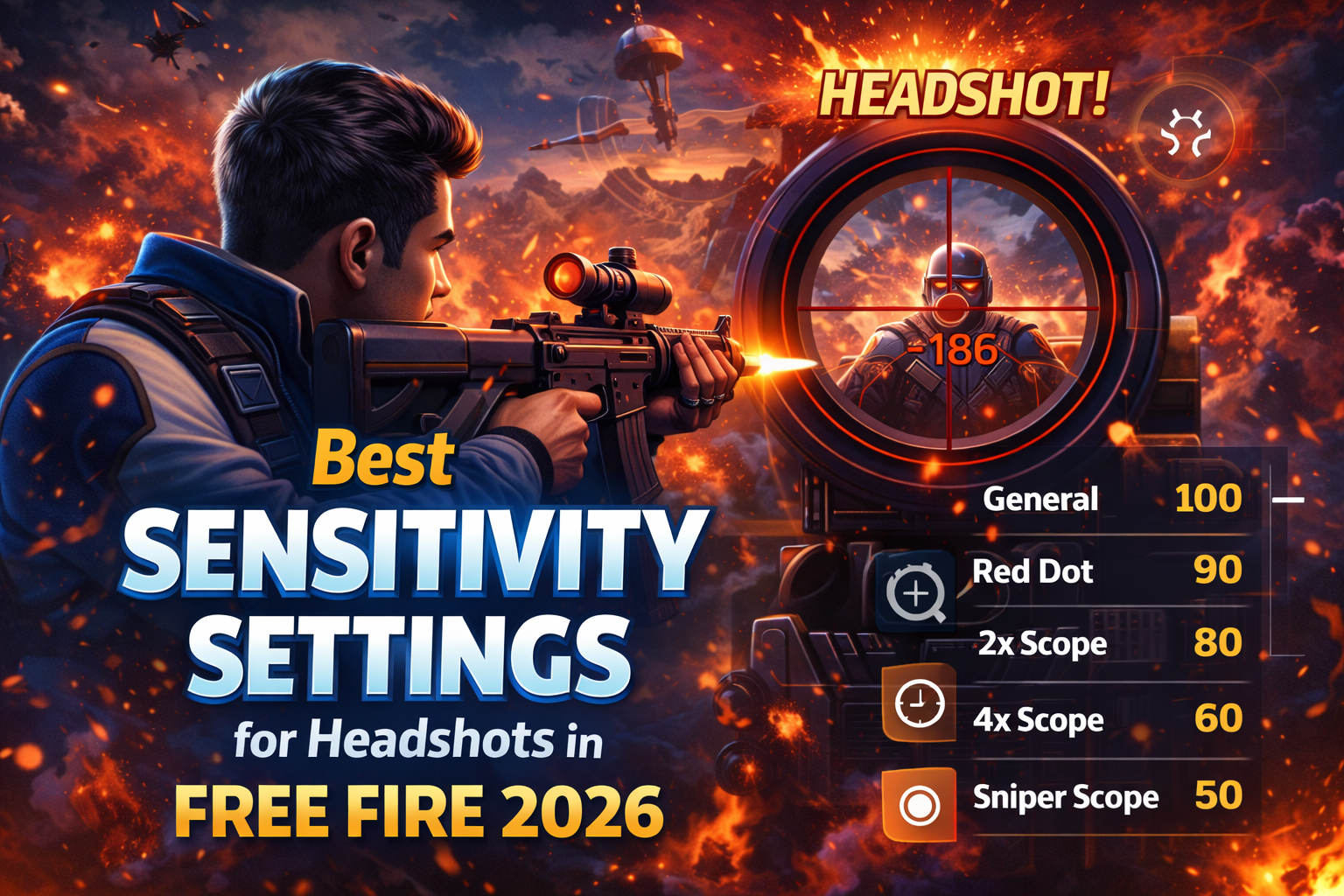
Landing consistent headshots in Garena Free Fire requires more than fast reflexes. The right sensitivity settings can dramatically improve your aim, recoil control, and drag headshot accuracy.
In this complete 2026 guide, you’ll learn the best sensitivity settings for headshots in Free Fire, how sensitivity works, recommended values for different devices, and pro tips to increase your headshot rate.
Why Sensitivity Settings Matter in Free Fire
Sensitivity controls how fast your screen moves when you swipe. If it’s too low, your aim feels slow. If it’s too high, your crosshair becomes unstable.
Correct sensitivity helps you:
- 🎯 Drag aim to the head easily
- ⚡ React faster in close combat
- 🔫 Control recoil better
- 🏆 Improve ranked performance
In competitive modes, optimized sensitivity can be the difference between Diamond and Heroic rank.
Understanding Free Fire Sensitivity Options
Inside Free Fire settings, you’ll find:
- General
- Red Dot
- 2x Scope
- 4x Scope
- Sniper Scope
- Free Look
Each one affects different aiming situations.
Best Sensitivity Settings for Headshots (Balanced Setup 2026)
Here is a recommended balanced setup that works well for most devices:
- General: 90 – 100
- Red Dot: 85 – 95
- 2x Scope: 75 – 85
- 4x Scope: 65 – 75
- Sniper Scope: 50 – 60
- Free Look: 60 – 75
This setup focuses on quick drag shots and smooth recoil control.
Best Sensitivity for Low-End Devices (2GB–3GB RAM)
Low-end phones may lag at very high sensitivity. Try:
- General: 85 – 90
- Red Dot: 80 – 85
- 2x Scope: 70 – 75
- 4x Scope: 60 – 65
- Sniper Scope: 45 – 50
Keep graphics on Smooth mode and disable high FPS if your device overheats.
Best Sensitivity for High-End Devices (6GB+ RAM)
High-end phones allow faster response.
- General: 95 – 100
- Red Dot: 90 – 100
- 2x Scope: 80 – 90
- 4x Scope: 70 – 80
- Sniper Scope: 55 – 65
Higher sensitivity helps with aggressive gameplay and fast rush tactics.
How to Drag for Headshots Properly
Sensitivity alone won’t guarantee headshots. Technique matters.
Step-by-Step Drag Shot Technique
- Aim at chest level.
- Fire and swipe slightly upward.
- Keep swipe smooth, not too aggressive.
- Practice timing in training mode.
The goal is to let recoil assist your drag movement.
DPI Settings for Android Players
Some Android players adjust DPI in developer settings.
Recommended DPI range:
- 400 – 600 for balanced gameplay
- 600+ for very fast drag shots
⚠️ Be careful — extreme DPI may cause control instability.
Best HUD Setup for Headshots
HUD layout also affects aim performance.
Tips:
- Keep fire button size around 45–60%
- Place fire button slightly higher for easier drag
- Avoid clutter near right thumb area
A clean layout improves reaction speed.
Weapons That Work Best With Headshot Sensitivity
Certain weapons benefit more from drag sensitivity:
Shotguns
- M1014
- MAG-7
Perfect for one-tap headshots in close combat.
SMGs
- MP40
- UMP
High fire rate helps with controlled drag shots.
Assault Rifles
- SCAR
- Groza
Balanced for mid-range headshot control.
Common Sensitivity Mistakes to Avoid
- ❌ Copying pro settings blindly
- ❌ Changing sensitivity daily
- ❌ Using extremely high general sensitivity
- ❌ Ignoring device performance
Consistency is key. Adjust slowly and test for at least 3–5 matches.
Training Routine to Improve Headshot Accuracy
To master sensitivity:
- Spend 15 minutes in training mode daily
- Practice 1v1 custom matches
- Focus on close-range fights
- Analyze your gameplay recordings
- Adjust sensitivity slightly if needed
Improvement comes from muscle memory, not random changes.
Pro Tips for Ranked Mode
In ranked matches:
- Avoid early hot drops if practicing
- Use characters that improve movement speed
- Stay calm in close fights
- Pre-aim at head level while rushing
Higher ranks require consistency and smart positioning.
Does Sensitivity Guarantee More Headshots?
No setting guarantees automatic headshots. Sensitivity only enhances control. Real improvement comes from:
- Practice
- Game sense
- Positioning
- Reaction speed
Combine correct settings with skill development for best results.
Final Thoughts
The best sensitivity settings for headshots in Free Fire 2026 depend on your device, playstyle, and comfort level. Start with balanced values, practice consistently, and adjust gradually.
Mastering sensitivity is one of the fastest ways to increase your headshot rate and dominate ranked matches.